If you’re using a TM SIM in the Philippines, SIM registration is no longer optional—it’s mandatory. The TM SIM registration portal makes this process simple, fast, and fully online. Whether you’re a new user or upgrading your SIM, registering ensures your number stays active and secure.
In this guide, you’ll learn how to register your TM SIM online, requirements, steps, and important tips to avoid rejection.
What is the TM SIM Registration Portal?
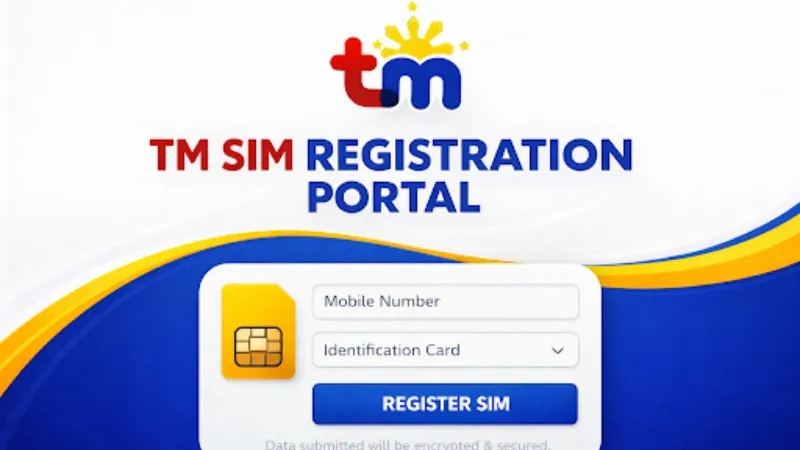
The TM SIM registration portal is the official online platform where users can register their TM and Globe SIM cards. It is designed to comply with government regulations and help prevent fraud, scams, and identity misuse.
Using this portal, you can:
- Register a new SIM
- Update your SIM details
- Verify your identity securely
Why TM SIM Registration is Important
Registering your TM SIM is essential for several reasons:
- Keeps your SIM active and prevents deactivation
- Protects against fraud and scams
- Links your identity to your mobile number
- Required by law in the Philippines
Failing to register your SIM within the deadline may result in permanent deactivation.
Requirements for TM SIM Registration
Before starting, make sure you have the following:
Personal Information
- Full name
- Date of birth
- Address
- Mobile number
Valid ID (any one)
- National ID
- Passport
- Driver’s License
- UMID
- Voter’s ID
Other Requirements
- Clear photo of your valid ID
- Selfie for identity verification
- Active TM SIM
Make sure your documents are clear and readable to avoid rejection.
How to Register TM SIM via Portal
Follow these step-by-step instructions to complete your TM SIM registration:
- Visit the official TM SIM registration portal
- Enter your TM mobile number
- Input the OTP (One-Time Password) sent to your SIM
- Fill out the registration form with your personal details
- Upload your valid ID and selfie
- Review your information carefully
- Submit the form
After submission, you will receive a confirmation message if your registration is successful.
How to Check TM SIM Registration Status
You can check if your SIM is registered by:
- Logging back into the portal
- Checking confirmation SMS from TM
- Contacting TM support if needed
Always keep a screenshot or copy of your confirmation for future reference.
Common Issues During Registration
Here are some common problems users face:
OTP Not Received
- Check your signal
- Restart your phone
- Try again after a few minutes
Upload Error
- Ensure file size is small
- Use clear and readable images
Invalid ID
- Make sure your ID is not expired
- Upload the correct document type
Tips for Successful TM SIM Registration
To avoid delays or rejection:
- Double-check your personal details before submitting
- Use a valid and clear ID image
- Ensure your selfie matches your ID
- Use a stable internet connection
- Complete registration in one session
Benefits of Registering Your TM SIM
Once your SIM is registered, you get:
- Uninterrupted mobile service
- Access to promos and offers
- Better account security
- Compliance with government rules
FAQs
Is TM SIM registration free?
Yes, registration through the portal is completely free.
Can I register multiple SIMs?
Yes, you can register multiple SIMs under your name.
What happens if I don’t register my SIM?
Your SIM will be deactivated and you won’t be able to use calls, texts, or data.
Can I update my details after registration?
Yes, you can update your information through the portal if needed.
Conclusion
The TM SIM registration portal provides a simple and secure way to register your SIM online. By following the correct steps and submitting accurate details, you can complete the process in just a few minutes.
Don’t wait until your SIM gets deactivated. Register your TM SIM today and enjoy uninterrupted services, better security, and full access to mobile features.